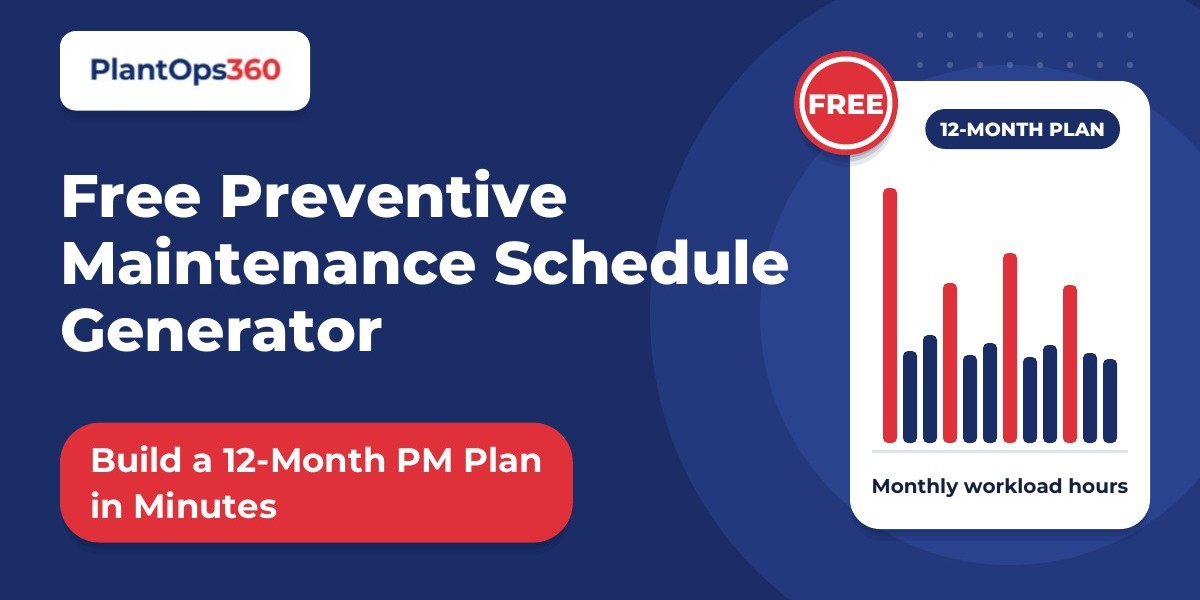

A preventive maintenance (PM) plan is easy to promise and hard to build. You list the equipment, work out which tasks each machine needs, decide how often to do them and then check that your technicians can actually handle the load. Done by hand, that takes hours, and many plants never finish. Our free preventive maintenance schedule generator gives you a first draft in minutes: a 12-month plan with tasks, frequencies and monthly workload hours for the equipment you choose.
What the Generator Does
You select your equipment from five common types and set how many of each you have:
Centrifugal pump
Air compressor (screw type)
Electric motor (LT induction)
Boiler (small or medium package)
Chiller (water-cooled)
Then you choose the month your plan should start. The generator builds a 12-month schedule from that point and shows the labour hours needed in each month. The chart and the first month of tasks appear on the page as you make your choices, with no sign-up needed.
How to Build Your Plan in Five Steps
1. Start with your critical equipment
Pick the machines whose failure stops production or creates a safety risk. These deserve a schedule first. You can add less critical items later.
2. Enter how many units you have
Use the plus and minus controls. Ten motors need far more PM time than two, so the unit count shapes the workload chart.
3. Choose a realistic start month
Pick the month you will genuinely begin. A plan that starts on paper in October but begins in practice in December has two empty months before it even runs.
4. Read the workload chart
Look for tall bars. A month that needs far more hours than the others is a month where PMs will slip. You will usually see peaks wherever quarterly, half-yearly and annual tasks fall.
5. Download and adjust
To get the full schedule, every task month by month, you fill in a short form with your name, work email and company. You receive an Excel file you can print or share, plus an editable PM schedule template. Both are free.
How Task Frequencies Are Counted
The generator converts each task's frequency into jobs per month, which is what makes the workload chart meaningful:
Frequency | How it appears in the schedule |
Daily | 26 times a month (working days) |
Weekly | 4.33 times a month |
Monthly | Once a month |
Quarterly | Once every 3 months, starting in the first month |
Half-yearly | Once every 6 months, starting in the first month |
Annual | Once, in the first month |
Daily and weekly tasks make up the steady base of your workload. The longer-interval tasks create the peaks.
Fix the Month-One Peak
Because annual tasks land in month one, your first month can look much heavier than the rest. In real plants, big annual jobs belong in a planned shutdown or a quiet production period.
After you download the schedule, move those jobs to the right month. Then look at the workload again. The peak should flatten, and your team will not face a month of heavy overhauls on top of its routine inspections.
Adjust the Schedule to Your Plant
A generated schedule is a starting point, not a finished plan. The tasks follow common industry practice, and the page itself says to follow your OEM manual and site safety procedures wherever they differ. Before you hand the plan to technicians:
Check each task against the manufacturer's manual for your exact model.
Add site-specific steps, such as permits and lock-out procedures.
Remove tasks that don't apply to your configuration.
Assign an owner and time to every task.
After a few months, use your own failure history to tune the intervals. A pump that keeps failing between services needs a shorter interval. A task that finds nothing for a full year may be a candidate to extend.
Make Sure the Schedule Gets Done
A schedule on a shelf does not prevent breakdowns. The measure that shows whether yours works is PM compliance:
PM compliance = completed PMs ÷ scheduled PMs
Mark each job as done, late or missed, and review the figure every week. If compliance drops on certain equipment or in certain months, you have found a capacity or planning problem, not a maintenance problem.
Spreadsheets handle this reasonably well until the plant gets busy. That is when PMs quietly slip. A CMMS sends each job to the technician's phone and calculates compliance automatically, which is how preventive maintenance software keeps a schedule alive after the first month.
Frequently Asked Questions
Is the PM schedule generator free?
Yes. The calculation, the workload chart and the first month are free with no sign-up. The full 12-month Excel file and editable template are also free, and you receive them after completing a short form.
What should a preventive maintenance schedule include?
The asset, each task, how often it is done, the estimated time, who does it and when it is due. Add a record of completion so you can track compliance.
How often should preventive maintenance be done?
Start with the manufacturer's recommendations, then adjust each interval based on how the asset actually behaves in your plant.
What is the difference between a PM checklist and a PM schedule?
A checklist lists the tasks for one inspection. A schedule plans when every checklist is due across the year.
Build Your First 12-Month Plan Today
Choose your equipment, pick a start month and see your workload in minutes. Then download the schedule, move the annual jobs to your shutdown, check the tasks against your manuals and start tracking compliance.
If you want work orders created and sent to your technicians automatically, PlantOps360 can do that. Book a free 30-minute demo and we will show you how a PM schedule runs inside the system.