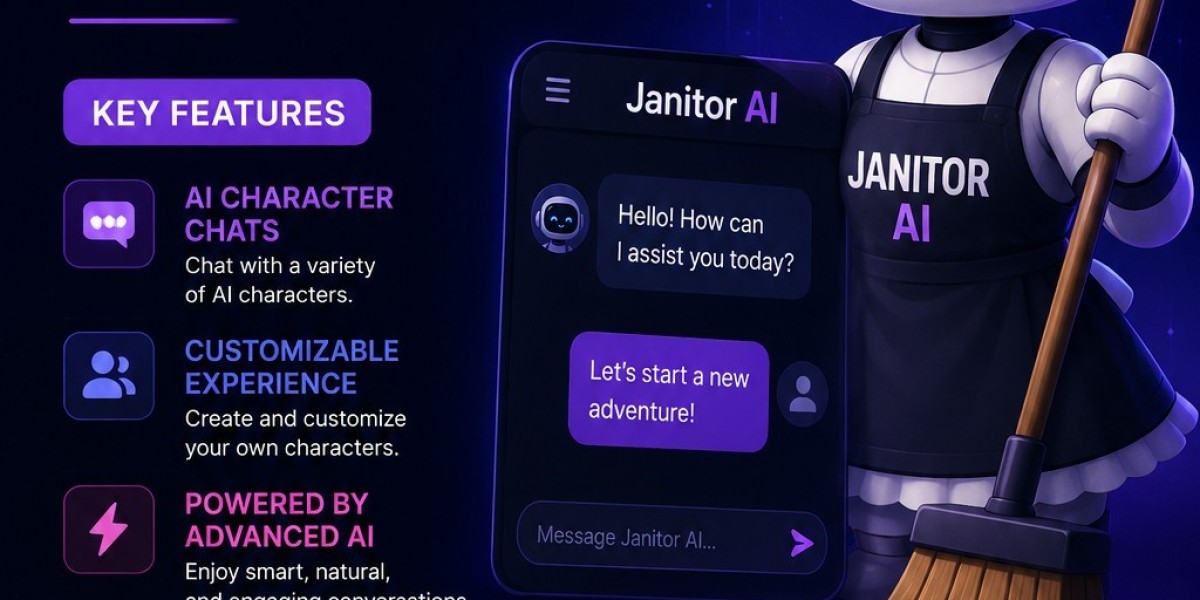

What Is Janitor AI? A Complete Guide for Beginners
Artificial intelligence (AI) chatbots are becoming popular because they allow users to communicate with virtual characters, assistants, and AI-powered agents. Janitor AI is one platform that allows users to interact with AI characters through text-based conversations.
Users can explore different chatbot personalities, create conversations, and experiment with different AI models. Depending on the available configuration, Janitor AI may support different models and connection options, such as JLLM, OpenRouter, or other AI providers.
In this guide, you will learn what Janitor AI is, how it works, how to log in, whether it is free, what JLLM means, and what alternatives you can explore.
What Is Janitor AI?
Janitor AI is an AI chatbot platform designed for interactive conversations with virtual characters. Users can select existing characters or create their own characters with specific personalities, backgrounds, and conversation styles.
For example, a user might create or interact with:
A friendly virtual assistant
A fictional character
A roleplay character
A learning assistant
A conversation partner
A storytelling character
The chatbot generates responses based on the conversation, character instructions, and the AI model being used.
The quality of the conversation can depend on the selected model, character settings, prompts, and platform configuration.
How Does Janitor AI Work?
Janitor AI works by using artificial intelligence to generate responses to user messages.
The basic process is simple:
The user opens the Janitor AI website.
The user logs in or creates an account, if required.
The user selects an available AI character.
The user starts a conversation.
The AI generates a response based on the conversation.
The user continues chatting with the character.
AI models process the text entered by the user and generate a response. Different models may produce different writing styles, response lengths, and levels of contextual understanding.
Simple Example
A user types:
Hello! How are you today?
The AI character may respond:
I’m doing well! How has your day been?
The response depends on the character’s personality and the AI model that processes the message.
Main Features of Janitor AI
Janitor AI offers features designed for interactive AI conversations. Features may change over time, so users should check the platform’s current interface and documentation.
1. AI Character Conversations
Users can chat with different AI characters. Each character may have its own personality, instructions, background, and conversation style.
This can make conversations feel different depending on the selected character.
2. Character Creation
Some users create their own AI characters instead of using existing ones.
When creating a character, users may define:
Character name
Personality
Background
Speaking style
Introduction message
Conversation instructions
Scenario or setting
A clear character description can help produce more consistent responses.
3. Custom Prompts
Prompts provide instructions to the AI. They help explain what the user wants the chatbot to do.
For example:
Act as a helpful English tutor. Use simple words and correct my grammar politely.
The output may be more useful when the prompt includes clear instructions.
4. Interactive Roleplay
Janitor AI is commonly associated with character-based conversations and roleplay. Users can create fictional scenarios and interact with characters in different settings.
However, users should understand that AI-generated content is fictional and may not always be accurate or appropriate.
5. AI Model Options
The platform may provide different model choices or connection methods. The available options can change based on platform updates, account settings, and provider availability.
Users should check the current platform information before choosing a model.
How to Log In to Janitor AI
The Janitor AI login process may change depending on the current website design.
A general login process includes the following steps:
Open the official Janitor AI website.
Select the Log In or account option.
Enter your registered login details.
Complete any required verification.
Open your account dashboard.
Select a chatbot and begin a conversation.
Common Janitor AI Login Problems
Users may experience login problems for several reasons, including:
Incorrect login details
Browser cache problems
Internet connection issues
Temporary platform problems
Account verification requirements
Service or server issues
Try refreshing the website, checking your login information, or using another supported browser. Avoid sharing your password or verification codes with other people.
Is Janitor AI Free?
Whether Janitor AI is free depends on the platform’s current features, usage limits, model options, and account plans.
Some features may be available without payment, while certain services or model connections may have separate costs.
Before using a paid model or external provider, check:
Whether the model is free
Whether usage limits apply
Whether an account is required
Whether payment information is needed
Whether the provider charges separately
Important: Pricing, free access, and available models can change. Always review the current official information before making a payment.
What Is JLLM in Janitor AI?
JLLM is a term associated with an AI language model or model option used in the Janitor AI environment.
An AI language model processes user messages and generates text responses. The model can influence the chatbot’s writing style, context handling, and response quality.
Users may see different model options depending on the platform’s current configuration.
Why Does the AI Model Matter?
The selected model may affect:
Response quality
Conversation memory
Creativity
Response speed
Instruction following
Context understanding
A model that works well for one user may not produce the same results for another user. Testing different available options can help users understand which model suits their needs.
What Is Janitor+?
Janitor+ refers to a premium or additional service associated with Janitor AI. The exact features, pricing, and availability may change over time.
Depending on the current service structure, premium features may relate to model access, usage, or other platform capabilities.
Before subscribing, users should check the current information about:
Monthly pricing
Included features
Usage restrictions
Cancellation terms
Supported models
Do not assume that every feature is included in every plan.
What Is Janitor+ Router?
A router generally helps connect requests to an available AI model or provider. In an AI chatbot environment, a routing system may help manage how messages are processed.
The exact behavior of Janitor+ Router depends on the platform’s current implementation. Users should review the official documentation or settings page for specific details.
When using a router, it is useful to understand:
Which model processes the request
Whether the model has usage limits
Whether the service is paid
How user data is handled
Whether the connection is provided by a third party
What Is OpenRouter?
OpenRouter is a service that provides access to different AI models through a common interface. It can help applications connect with supported language models.
In some chatbot setups, users may need to configure an external provider or API connection. The exact setup requirements depend on the platform and model.
Before using an external AI provider, check its:
Official website
Supported models
API requirements
Pricing
Usage limits
Privacy policy
Users should never share private API keys publicly.
How to Set Up DeepSeek on Janitor AI
Some users search for ways to connect DeepSeek with Janitor AI. The exact setup depends on the available integration options and the current settings of both services.
A general setup process may include:
Check whether the required AI provider is supported.
Review the official provider instructions.
Create an account if necessary.
Check whether an API key is required.
Follow the platform’s model configuration instructions.
Enter information only in the correct settings field.
Test the connection with a simple message.
The available setup steps may differ between platforms and may change after updates.
Safety Tips for API Keys
If an API key is required:
Do not share it with strangers.
Do not publish it in screenshots.
Do not place it in public posts.
Use provider security settings where available.
Revoke the key if you believe it has been exposed.
What Are Talking Agents?
Talking agents are AI-powered systems designed to communicate with users through text or voice. In a chatbot platform, an agent may be given a particular role, personality, or objective.
For example, a talking agent could act as:
A customer support assistant
A language practice partner
A fictional character
A study assistant
A productivity helper
The agent’s behavior depends on its instructions, model, and available features.
What Does Built-In AI Mean?
Built-in AI means that artificial intelligence functionality is included directly within a platform or application.
Users may not need to connect an external provider if the platform already supplies its own AI model or service.
However, built-in AI does not automatically mean that every feature is free, unlimited, private, or suitable for business use. Users should review the platform’s terms and privacy information.
Is Janitor AI Safe for Business?
Businesses should carefully evaluate any AI chatbot platform before using it for company information or customer data.
Important questions include:
How is user data stored?
Is conversation data used for training?
Does the service provide business privacy controls?
Are external AI providers involved?
Who can access the data?
Does the platform meet the company’s security requirements?
Avoid entering confidential business information, customer records, passwords, financial details, or private company documents unless the platform has been reviewed and approved by the organization.
Janitor AI should not automatically be treated as a business-approved tool. Businesses should complete their own privacy and security assessment.
Is There a Janitor AI App?
Users may search for a Janitor AI app for mobile devices. Availability can depend on the official platform, operating system, and current product offerings.
Before installing an application:
Check the official Janitor AI website.
Confirm the app’s publisher.
Avoid unknown download websites.
Check permissions carefully.
Avoid unofficial apps requesting unnecessary personal information.
A website and a third-party mobile application may not provide the same security or features.
Janitor AI Reddit Discussions
Reddit discussions can help users discover other people’s experiences with Janitor AI. Users may discuss:
Login problems
AI model performance
Character creation
Platform updates
Connection issues
Alternative chatbot services
However, Reddit posts are user-generated content. They may contain outdated information, personal opinions, or unverified claims.
Before following advice from an online discussion, confirm important information through official sources.
Janitor AI Alternatives
Users may explore other AI chatbot platforms when they want different features or conversation styles.
Potential alternatives may include platforms that focus on:
AI character conversations
General-purpose AI assistants
Creative writing
Roleplay
Voice conversations
Custom AI agents
When comparing alternatives, consider the following factors:
Comparison Factor | What to Check |
|---|---|
Features | Character creation and customization |
Cost | Free access, subscriptions, and usage limits |
Privacy | Data collection and storage |
Model options | Available AI models |
User experience | Website and mobile usability |
Safety | Content controls and account protection |
Customization | Prompts, personality, and settings |
The most suitable alternative depends on the user’s purpose, budget, privacy requirements, and preferred features.
Benefits of Using AI Chatbot Platforms
AI chatbot platforms may offer several ben