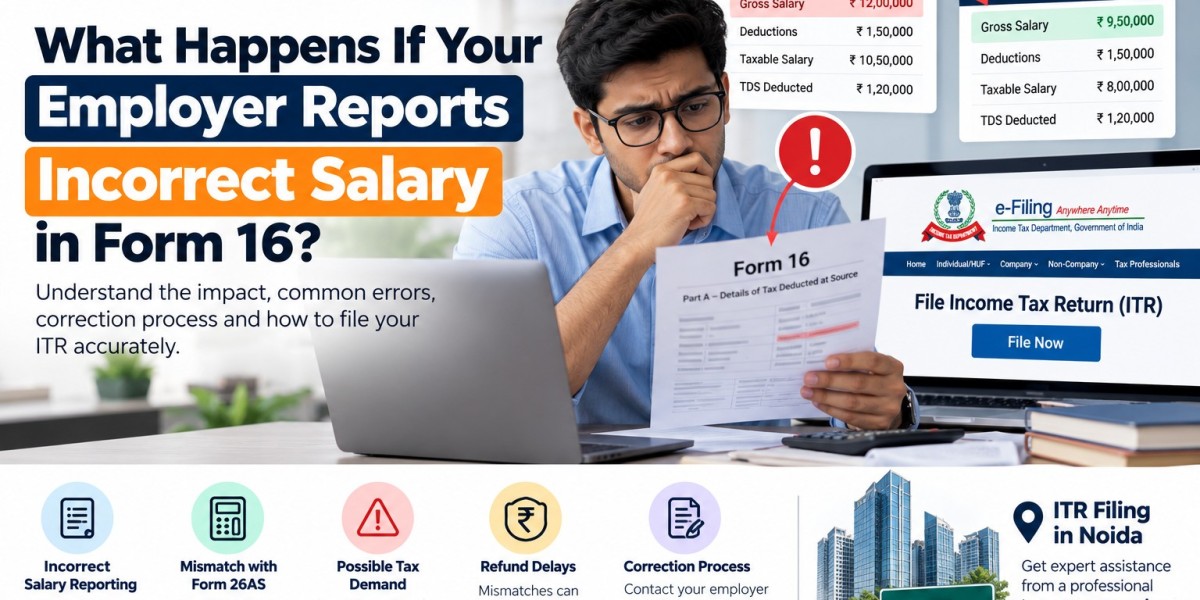

Form 16 is an important document for salaried employees in India because it summarises salary income and tax deducted at source (TDS) by an employer. However, errors in reported salary, exemptions, deductions, or TDS details can create problems when filing an Income Tax Return (ITR). Understanding how to identify and correct these errors can help taxpayers avoid unnecessary tax demands, refunds delays, and compliance issues.
Employees looking for professional assistance with ITR Filing in Noida can consult an experienced tax professional to review Form 16 and reconcile their income tax records.
What Is Form 16?
Form 16 is a TDS certificate issued by an employer to an employee when tax has been deducted from salary, subject to applicable requirements. It generally contains salary details, eligible exemptions and deductions considered by the employer, and tax deducted during the financial year.
Before filing your return, compare Form 16 with your salary slips, bank statements, investment proofs, and information available through the Income Tax Department's portal.
What Happens If Your Employer Reports an Incorrect Salary?
Incorrect salary reporting can affect your tax calculation and the accuracy of your ITR. The consequences depend on the nature of the error.
1. Incorrect Tax Calculation
If your employer reports a higher salary than you actually received, your taxable income may appear higher than expected. Conversely, if the reported salary is lower, you may underreport your income if you rely solely on Form 16.
Always calculate your actual salary income using your employment records and applicable tax rules.
2. Difference Between Form 16 and Form 26AS
Form 26AS provides tax-related information, including TDS details reported against your PAN. If the TDS reported by your employer differs from Form 16, you should investigate the discrepancy before filing your return.
Also check the Annual Information Statement (AIS) and Taxpayer Information Summary (TIS), where relevant. These records may help identify differences in reported income or tax information.
3. Delayed Income Tax Refund
If incorrect salary or TDS details lead to a mismatch in your return, the refund process may require additional verification or correction. A mismatch does not automatically mean that your refund will be delayed, but inaccurate information can complicate processing.
Ensure that the income and tax credit claimed in your return are supported by reliable records.
4. Income Tax Demand or Notice
If your return understates taxable income or claims tax credits that cannot be verified, the Income Tax Department may identify a discrepancy and seek clarification or raise a demand, depending on the circumstances.
Receiving a notice does not automatically mean that you have committed an offence. Read the communication carefully and respond within the specified deadline.
How to Identify Errors in Form 16
Review these details before submitting your ITR:
- Gross salary: Compare the amount with your salary slips and annual salary statement.
- Allowances and exemptions: Verify eligible exemptions, such as those claimed for house rent allowance, where applicable.
- Deductions: Check whether eligible deductions have been accurately considered under the selected tax regime.
- TDS deducted: Compare the tax deducted in Form 16 with Form 26AS and your payslips.
- Employer and employee details: Verify your PAN, employer's TAN, and other identifying information.
- Financial year: Ensure the certificate relates to the correct financial year.
Remember that the tax treatment of exemptions and deductions depends on the applicable law and the tax regime selected.
How to Correct Incorrect Salary Details in Form 16
If you discover an error, take the following steps.
Step 1: Contact Your Employer's HR or Payroll Team
Inform your employer about the discrepancy and provide supporting evidence, such as salary slips, bank statements, or your annual compensation statement.
Clearly identify the incorrect figure and explain what you believe the correct amount should be.
Step 2: Request a Corrected Form 16
If the employer confirms that the certificate contains an error, ask them to review the relevant payroll and TDS records and issue a corrected Form 16 where appropriate.
If the error also affects the employer's TDS reporting, the employer may need to correct the relevant TDS statement. Merely issuing a revised certificate may not resolve every underlying reporting mismatch.
Step 3: Verify Form 26AS and AIS
After the employer makes any necessary corrections, check the relevant tax records again. Confirm that the TDS credit and other reported information are consistent with the supporting documents.
Step 4: File or Correct Your ITR
If you have not filed your ITR, report your income accurately using the available evidence and applicable tax rules rather than blindly copying an incorrect figure.
If you have already filed your return, determine whether a revised return or another permitted correction procedure is available under the rules applicable to that assessment year. Keep copies of the original return, acknowledgement, corrected documents, and supporting records.
Can You File Your ITR Without a Corrected Form 16?
In many cases, an employee can file an ITR using reliable salary and tax records even if a corrected Form 16 has not yet been issued. However, the return must accurately report taxable income, and tax credits should be claimed only as permitted and supported by the relevant records.
If the employer's reported TDS does not match the available tax records, follow up with the employer and retain evidence of the communication. Avoid claiming a tax credit solely because an amount appears in an incorrect certificate.
How an Income Tax Consultant in Noida Can Help
An experienced Income tax consultant in Noida can help employees reconcile salary slips, Form 16, Form 26AS, and AIS information. Professional assistance may be useful when the discrepancy affects taxable salary, TDS credit, exemptions, deductions, or an already-filed return.
TaxCaller assists individuals with tax documentation, income reconciliation, and return preparation. For employees seeking ITR Filing in Noida, professional guidance can help identify discrepancies and determine the appropriate next steps.
Conclusion
Incorrect salary reporting in Form 16 can lead to tax calculation errors, information mismatches, refund complications, or questions from the Income Tax Department. The best approach is to verify the figures, contact your employer's payroll team, request corrections where necessary, and ensure that your ITR reflects your actual taxable income.
Before filing, reconcile Form 16 with your salary records and available tax statements. If the discrepancy is complex, an Income tax consultant in Noida can help you understand the correction process and complete your ITR Filing in Noida accurately.
Official resource: Visit the Income Tax Department's e-Filing Portal for income tax services, tax records, and return filing.