
1. Primary Reasons for a Suspended Google Ads Account
The most common cause of a Google Ads account suspended is a serious violation of Google Ads policies, including but not limited to circumventing systems, misrepresentation, and unacceptable business practices. Google reviews advertiser information, advertisements, landing pages, and account activity to identify potential violations.
Circumventing Systems
Trying to evade a Google Ads account suspension by deceiving Google's systems, such as using a cloaking redirect or creating a replacement account, can result in further enforcement.
Billing and Payment Issues
Having an unpaid balance, using an unauthorized payment method, initiating chargebacks, or engaging in other suspicious transactions can lead to account suspension.
Misrepresentation
Advertising a product or service in a way that is intentionally deceptive or misleading to consumers can violate Google's advertising policies.
Unacceptable Business Practices
Failing to disclose important information, concealing relevant product or service details, and making false or misleading claims may result in enforcement.
Malware and Security Threats
Having a website infected with viruses, malware, or other malicious code can create security risks for visitors and lead to advertising restrictions or suspension.
Restricted Products
Advertising a restricted product or service without meeting Google's applicable requirements can result in account enforcement.
Advertiser Verification Issues
Failing to provide consistent business information or complete required advertiser verification processes can lead to account suspension.
2. Landing Page Issues That Can Cause Google Ads Suspension
Landing page issues can contribute to a Google Ads suspension, especially when a destination contains misleading information, unlawful or prohibited content, or malicious code. Review the entire website experience and test it across desktop and mobile devices to make sure visitors are not being directed to a prohibited or suspended destination.
How to Audit Your Landing Pages
Audit your website and advertised destinations to confirm that users can access the content promised in your advertisements.
Check the following:
Make sure landing page content accurately reflects your advertisements.
Remove misleading claims and prohibited content.
Check for malware, suspicious scripts, and unexpected redirects.
Review website functionality on desktop and mobile devices.
Make sure important product, service, pricing, and business information is transparent.
3. Multiple Google Ads Accounts and Circumventing Systems
Google allows advertisers and agencies to manage multiple accounts through authorized Google Ads Manager Accounts (MCC). However, creating new accounts to get around an existing suspension or continue prohibited advertising activity violates Google's Circumventing Systems policy.
Legitimate Practices for Managing Multiple Accounts
There are several practices to follow when managing multiple Google Ads accounts legitimately:
Don't create replacement accounts: Avoid creating new accounts to continue advertising while an existing account is suspended.
Use Manager Accounts: Manage legitimate client accounts through authorized Google Ads Manager Accounts (MCC).
Keep client information separate: Ensure ownership, billing, and account access details are accurate.
Review account relationships: Understand management arrangements and shared payment profiles to identify potential policy concerns.
4. Billing, Payment, and Advertiser Verification Problems
Direct Answer: Billing-related issues can lead to a Google Ads account suspension when advertisers have unresolved payments, suspicious transactions, unauthorised payment methods, or inconsistent payment information. Advertisers should review their billing details, settle pending balances, and complete any required verification.
Common Billing Issues
Unpaid advertising balances.
Declined or unauthorised transactions.
Payment chargebacks and disputes.
Inconsistent billing information.
Unauthorised payment methods.
How to Verify Your Billing Information
Go to the Billing section of Google Ads.
Check pending balances and payment methods.
Review transactions that were declined or disputed.
Verify your payment methods.
Provide payment verification if requested.
Google may also request business registration documents, identification, or other records to verify the advertiser's identity. Provide the requested documents through the appropriate verification process.
5. How Traffic Protection Tools Can Help Advertisers
Certain tools designed to analyse and protect traffic can help advertisers understand visitor behaviour and evaluate potentially fraudulent activity.
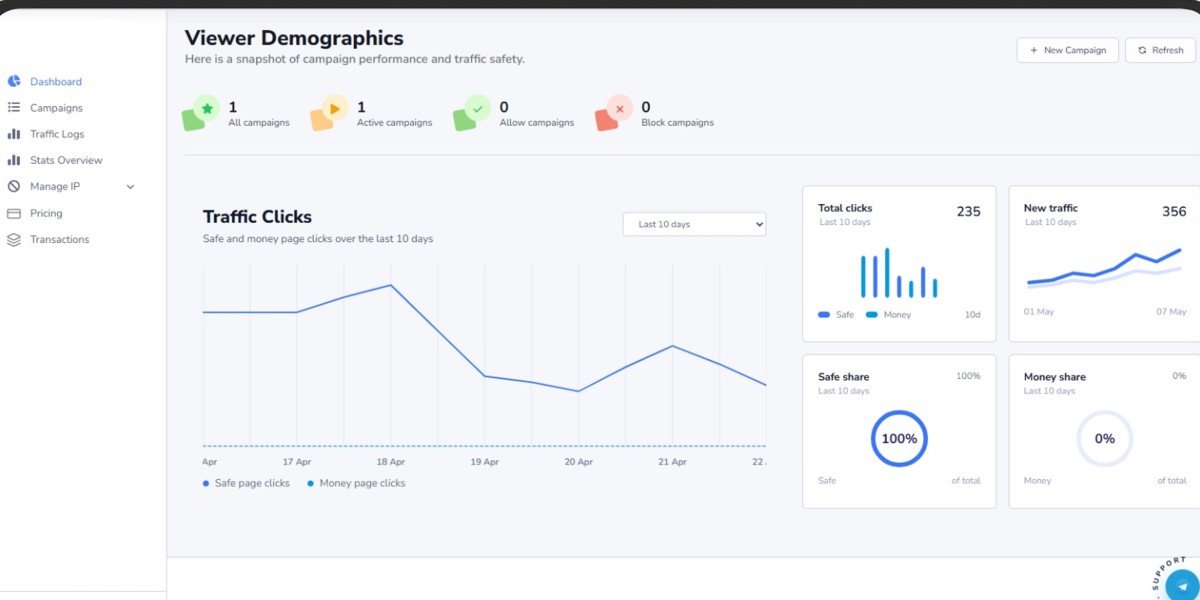
For example, TrafficSaviour bot detection and TrafficSaviour click protection can help advertisers understand visitor flows within an advertising campaign.
Traffic protection tools should support legitimate traffic analysis. They must not conceal policy violations or show different content to Google's reviewers and ordinary users.
Before adopting a traffic protection tool, review its filtering and reporting capabilities. It should support relevant tracker integrations and provide adequate privacy and data protection practices.
Practical Tips for Traffic Analysis
Compare Google Ads clicks with analytics sessions.
Review placement and referral reports.
Analyse geographic and device-level traffic.
Assess conversion rates, traffic sources, and visit times.
Report suspicious activity through Google's designated channels.
These signs require further examination but do not, by themselves, demonstrate invalid traffic.
6. How to Reinstate a Suspended Google Ads Account
The general process for reinstating a suspended Google Ads account involves identifying the policy violation, addressing problems at both the account and website levels, verifying billing information, and submitting an appeal with supporting evidence.
Step 1: Identify the Suspension Reason
Read the suspension notification in your Google Ads account and identify the specific policy or account issue mentioned. Review the relevant Google Ads policy to understand what may have triggered the enforcement.
Step 2: Review Your Account and Website
Examine your advertisements, landing pages, business information, and account settings. Correct misleading claims, prohibited content, suspicious redirects, or other issues that may violate Google's policies.
Step 3: Verify Billing and Business Information
Settle any outstanding amounts, check the status of payment authorisation, and make sure your business information is consistent with official records.
Step 4: Check Website Security
Review your website for malware, compromised plugins, and suspicious redirects. Check Google Search Console for reported security issues.
Step 5: Review Traffic and Tracking
Check your TrafficSaviour configuration, if used, and make sure any traffic filtering follows Google Ads policies. Confirm that your tracking setup accurately records visitor activity without hiding policy violations.
Step 6: Prepare Supporting Documents
Gather documents relevant to the suspension, such as:
Payment records.
Business registration documents.
Supplier invoices.
Identification documents.
Other records requested by Google.
Step 7: Submit Your Google Ads Appeal
Explain the relevant Google Ads policy, describe your investigation, state the corrective actions you took, and provide evidence to support your case. Keep the appeal factual and avoid requesting reinstatement without explaining why the suspension should be reviewed.
How Long Does Google Take to Review an Appeal?
Google takes time to review accounts and supporting information to determine whether a suspension should be lifted. The review period depends on the policy area, account history, and whether additional verification is required. There is no guaranteed reinstatement timeline.
Possible Outcomes After Submitting an Appeal
There are several potential outcomes following an appeal:
Suspension lifted: Your account becomes eligible to serve ads again.
Additional documentation requested: Google may ask you to provide further information or verification.
Appeal denied: Your suspension remains in place. Review the relevant policy information and follow Google's instructions to request another review if one is available.
What Not to Do While Your Account Is Under Review
Avoid the following actions while your account is suspended or under review:
Creating new accounts to bypass the suspension. This may lead to enforcement under Google's Circumventing Systems policy.
Submitting the same appeal multiple times without addressing the issues.
Providing altered or misleading documents.
Making unnecessary account or document changes that complicate the review.
Assuming there is a guaranteed timeline for reinstatement.
Why a Generic Appeal May Not Work
You should not submit generic appeals. Include specific details about your case, the policy concerns you investigated, and the changes you made to your website and account.
Because Google may identify shared problems across multiple landing pages, such as problematic plugins, scripts, and redirects, review the relevant pages and shared website components rather than assuming the issue is limited to one destination.
Also, do not automatically assume that invalid traffic caused the suspension. Investigate the specific reason provided by Google and address the relevant policy or account issue.
7. 10 Best Practices to Ensure Long-Term Google Ads Compliance
To reduce the risk of future Google Ads account suspensions, follow Google's advertising policies and maintain accurate account, billing, website, and business information.
Long-Term Compliance Checklist
Maintain accurate billing: Use authorised payment methods and keep your billing information current.
Review advertising policies: Understand the requirements for your products and services in your target markets.
Secure your website: Update your CMS, plugins, themes, and server components.
Maintain transparent landing pages: Disclose pricing, terms, and relevant business information.
Monitor traffic quality: Use tools such as TrafficSaviour traffic protection, bot detection, and click protection for legitimate traffic analysis.
Manage account access: Remove unnecessary users and review administrator activity.
Complete advertiser verification: Provide the required business and identity documents.
Keep accurate records: Document important changes to billing, website settings, tracking, and account information.
Review advertisements regularly: Check ad copy, claims, and destination URLs for policy compliance.
Monitor account notifications: Respond to policy warnings, verification requests, and billing notifications promptly.
8. Conclusion: How to Recover a Suspended Google Ads Account
A suspended Google Ads account can negatively affect your business by stopping advertising activity and potentially reducing revenue. To recover your account, identify the suspension reason, correct the underlying problem, and submit an appeal with relevant supporting evidence.
Maintain account compliance, website security, and traffic monitoring. Keep billing information accurate and make sure your landing pages are transparent. Most importantly, do not create a new account to replace a suspended one. Quick workarounds can create additional policy problems and make reinstatement more difficult.
Frequently Asked Questions About Google Ads Account Suspensions
What Causes a Google Ads Account Suspension?
Some common reasons for a Google Ads account suspension include violations of the Circumventing Systems policy, misrepresentation, unacceptable business practices, suspicious payments, website security issues, and advertiser verification problems. Check your suspension notification for the specific reason associated with your account.
How Long Does It Take Google to Review My Account Suspension Appeal?
Google does not specify one fixed timeframe for every account suspension appeal. Some reviews may take a few business days, while appeals involving billing or business verification may take longer.
Is a Google Ads Account Suspension Permanent?
Not every Google Ads account suspension is permanent. However, serious or repeated policy violations can result in long-term or permanent restrictions. The outcome depends on the circumstances and Google's review